Customization

Customization

Customization

Customize your Scenes to Match Your Brand

Control every detail of the customer experience — from colors and tone of voice to access rules and login screens — so your digital twin feels like yours.
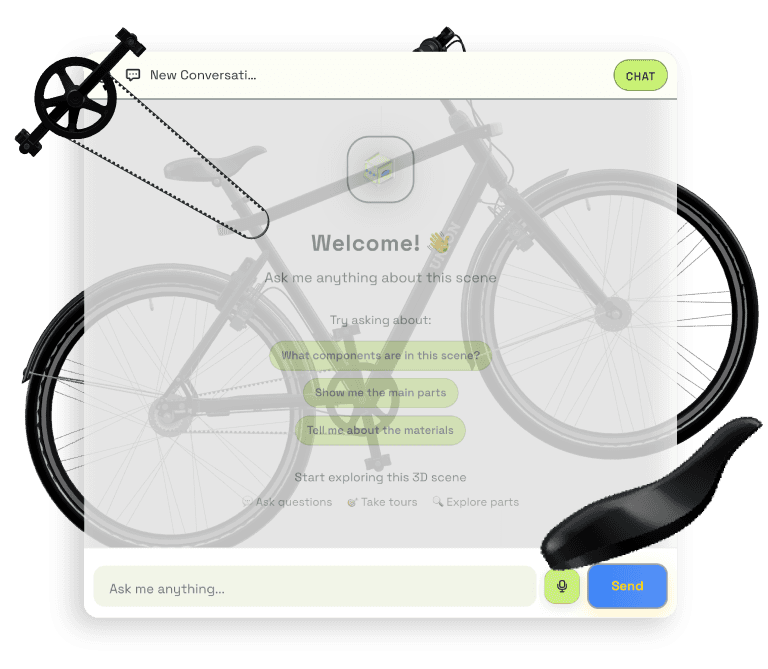
A bar chart displaying the percentage of individuals who have accessed the app, indicating its popularity among users.

Key capabilities

Key capabilities

Key capabilities

Your product, your experience, your brand

Fine-tune the look, personality, and access controls of every published scene to deliver a consistent, on-brand experience across sales, support, and training.
Screenshot of a dashboard displaying various items and their details for user interaction and analysis.

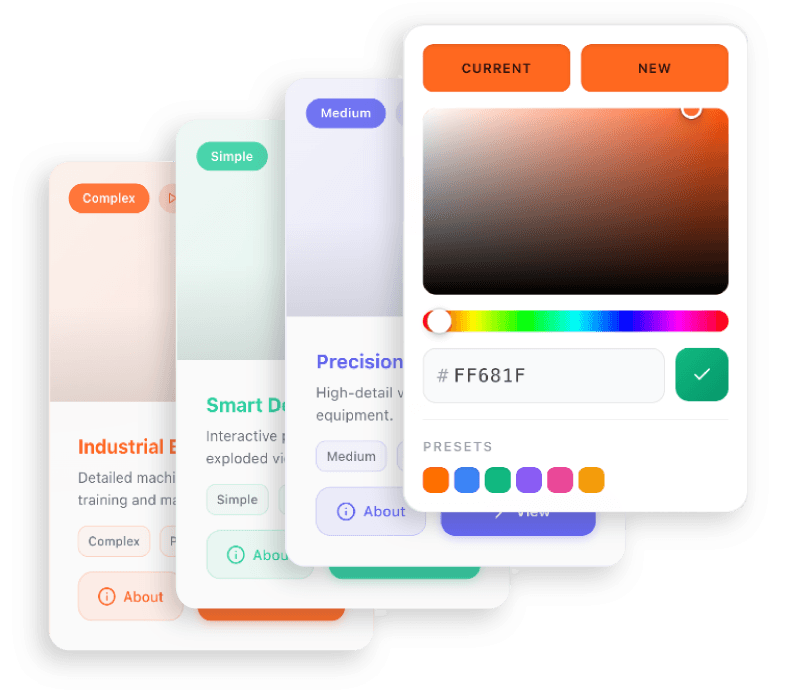
Visual theming

Fully customize the look of your viewer and pages — colors, materials, layouts, and UI elements — so every customer touchpoint matches your brand identity exactly.
A graph depicting a line that rises consistently, illustrating an increase in values across the measured period

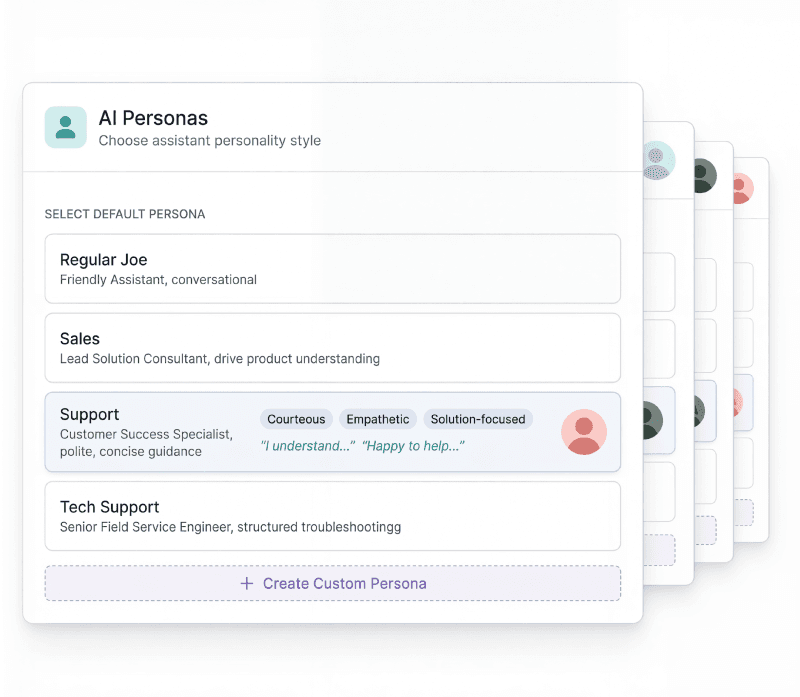
AI persona and voice

Choose how your AI agent sounds and behaves. Pick from built-in personas like Sales, Support, or Tech — or create your own with a custom tone, personality, and voice to match the experience you want to deliver.
Screen showing a list of options for various app categories available within the application.

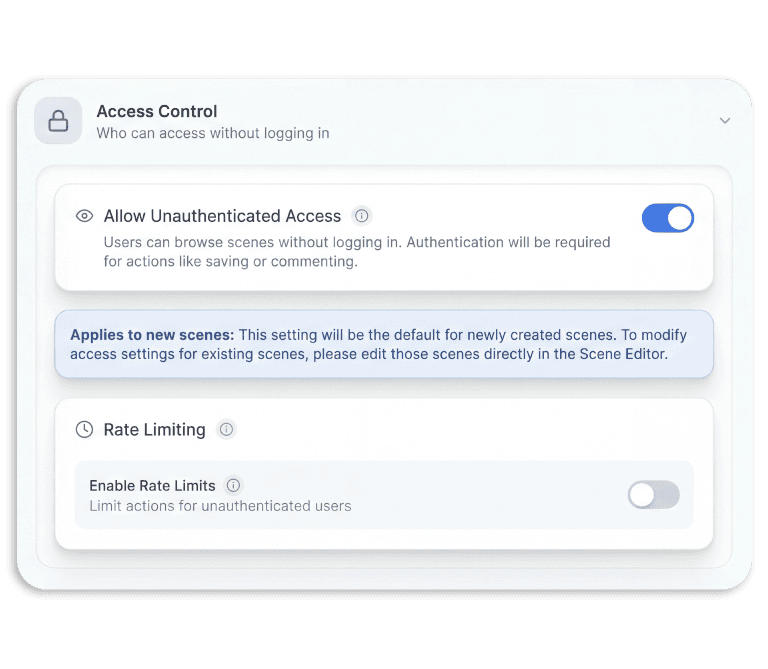
Access control

Decide who can access which scenes and how. Enable public browsing, require authentication, set rate limits, and manage permissions — with defaults that apply automatically to every new scene you publish.
A neatly organized stack of papers set against a white background.

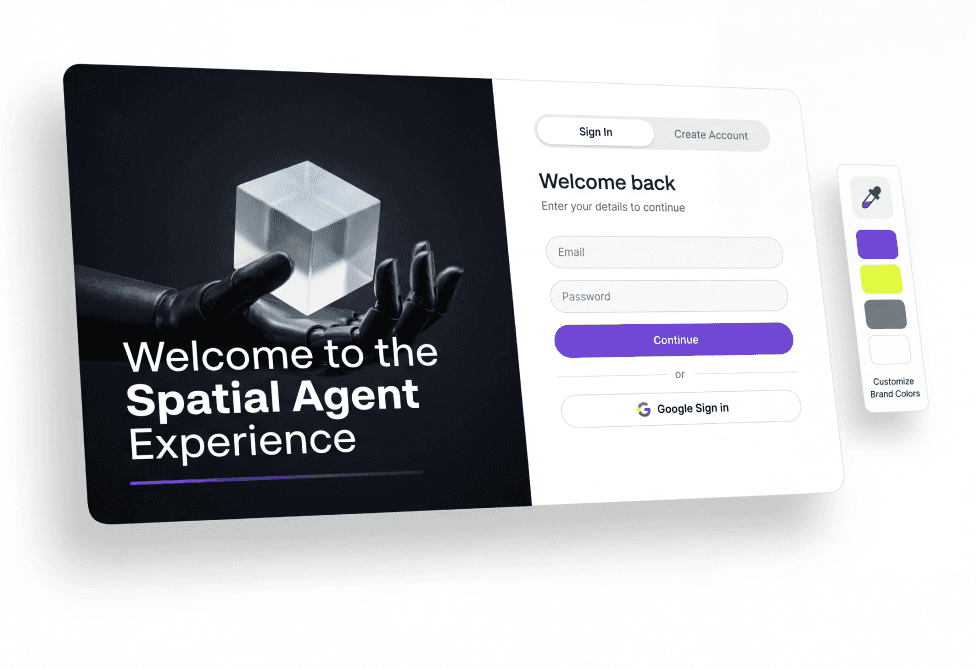
Branded entry experience

Customize the login and welcome screen your customers see first — with your branding, messaging, and sign-in options — so the experience feels seamless from the very first interaction.

A monochrome photo of a man on a hilltop, standing confidently against a vast, open landscape.

Publish your first scene free by unlocking early access today

Publish your first scene free by unlocking early access today

Publish your first scene free by unlocking early access today

A black background features two cubes, emphasizing their three-dimensional forms and spatial arrangement.