Scene Creation

Scene Creation

Scene Creation

Create interactive 3D scenes with A.I.

Upload your 3D model, let AI identify and document every component, organize by functional group, and publish to a live viewer — all in one guided workflow.
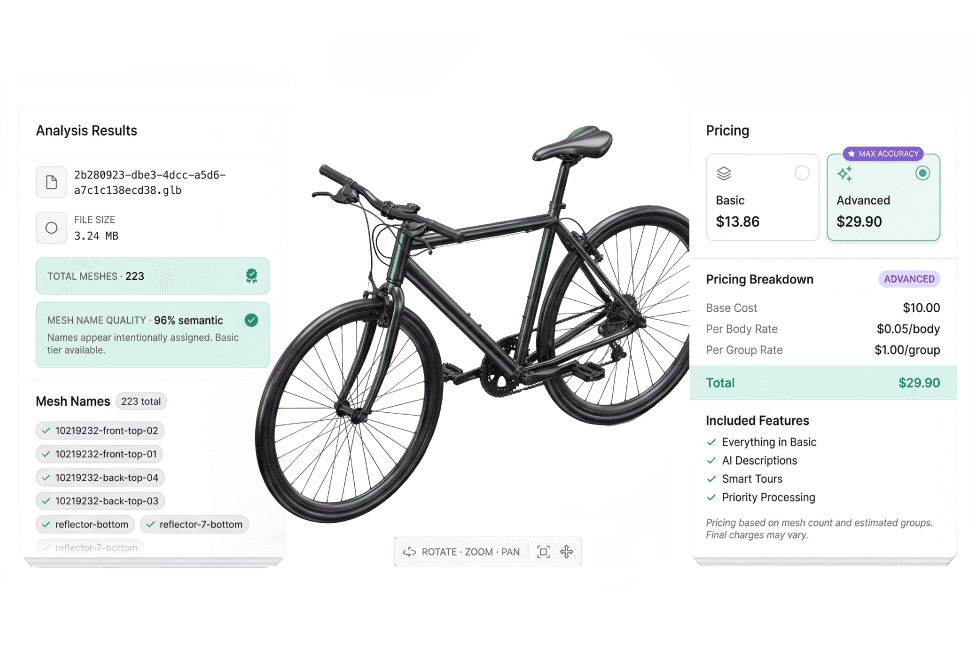
A bar chart displaying the percentage of individuals who have accessed the app, indicating its popularity among users.

Key capabilities

Key capabilities

Key capabilities

From upload to published scene in minutes

Walk through each step of scene creation — from model upload and AI analysis to grouping, verification, and live deployment.
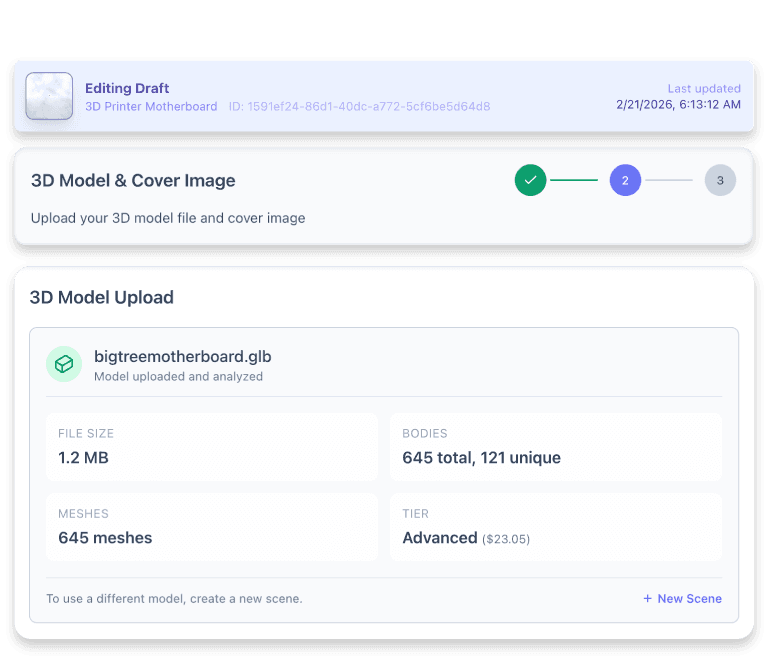
Screenshot of a dashboard displaying various items and their details for user interaction and analysis.

Intelligent model analysis

Upload your 3D model and instantly see total component counts, with duplicates identified automatically to reduce processing time and cost.
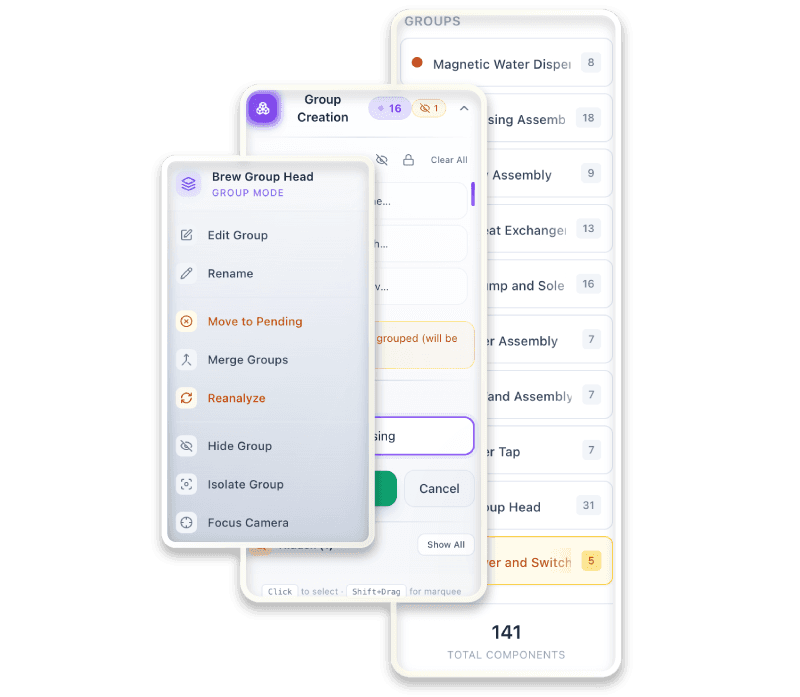
A graph depicting a line that rises consistently, illustrating an increase in values across the measured period

Functional group assignment

Organize components into logical groups by functional area, giving the AI better context for more accurate identification and documentation.
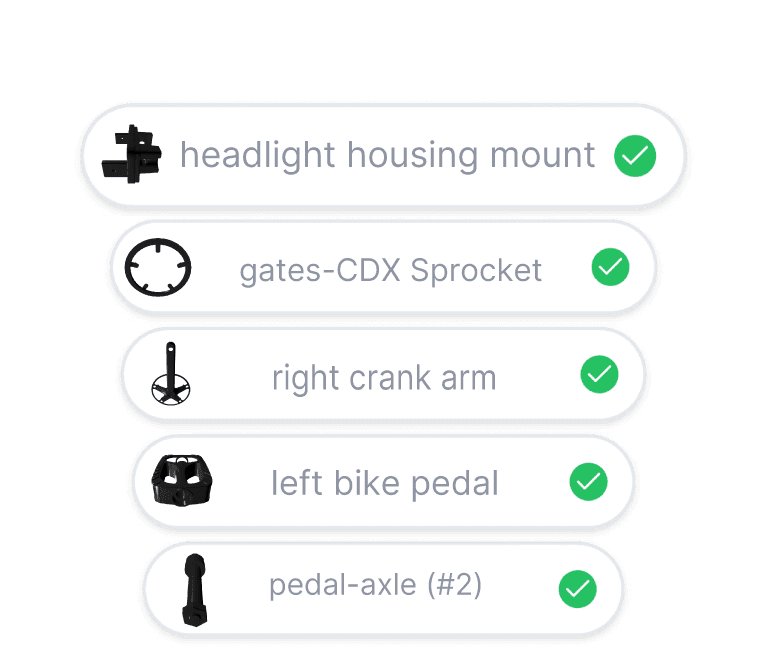
Screen showing a list of options for various app categories available within the application.

AI-powered component verification

Review each component individually with AI-generated names and descriptions, approved automatically when identification confidence is high.
A neatly organized stack of papers set against a white background.

One-click deployment

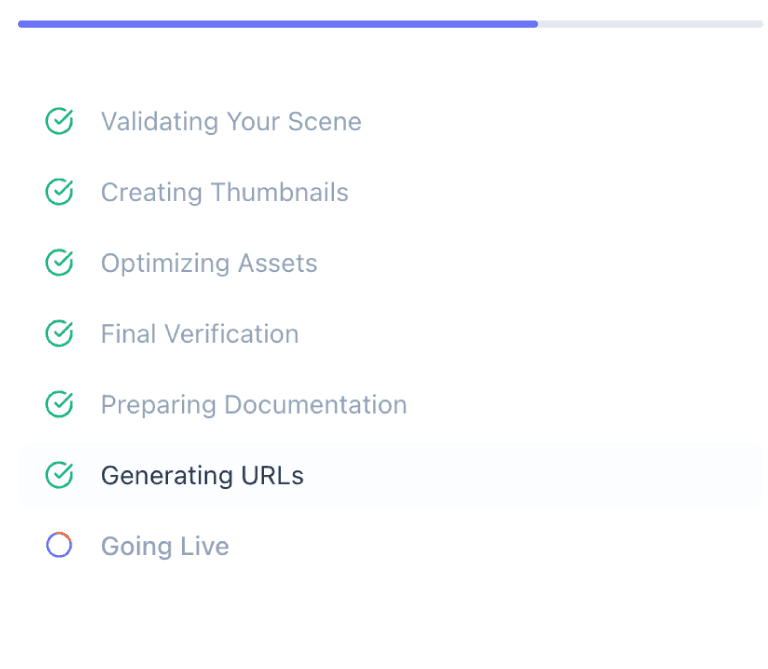
Validate, optimize, and publish your scene to a live interactive viewer for your users with real-time progress tracking at every step.


A monochrome photo of a man on a hilltop, standing confidently against a vast, open landscape.

Publish your first scene free by unlocking early access today

Publish your first scene free by unlocking early access today

Publish your first scene free by unlocking early access today

A black background features two cubes, emphasizing their three-dimensional forms and spatial arrangement.